MeetScript replaces multiple meeting tools with one platform built specifically for Google Meet.
Live Transcription
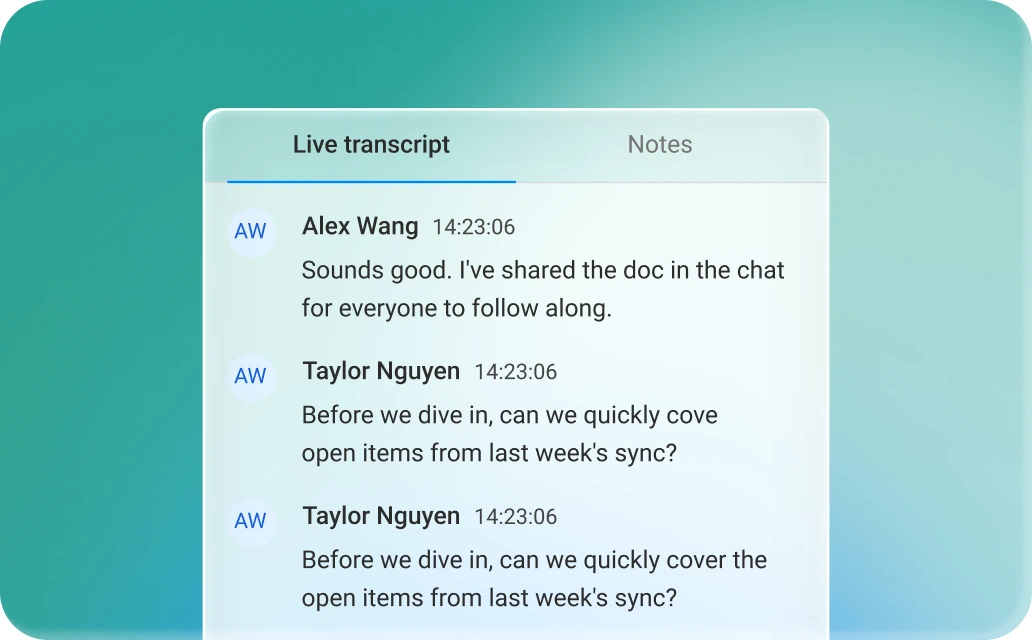
A live transcript scrolls next to your call in real time, with speaker labels and timestamps attached. Pause it during an off-the-record moment and pick back up exactly where you left off.
Bot Free
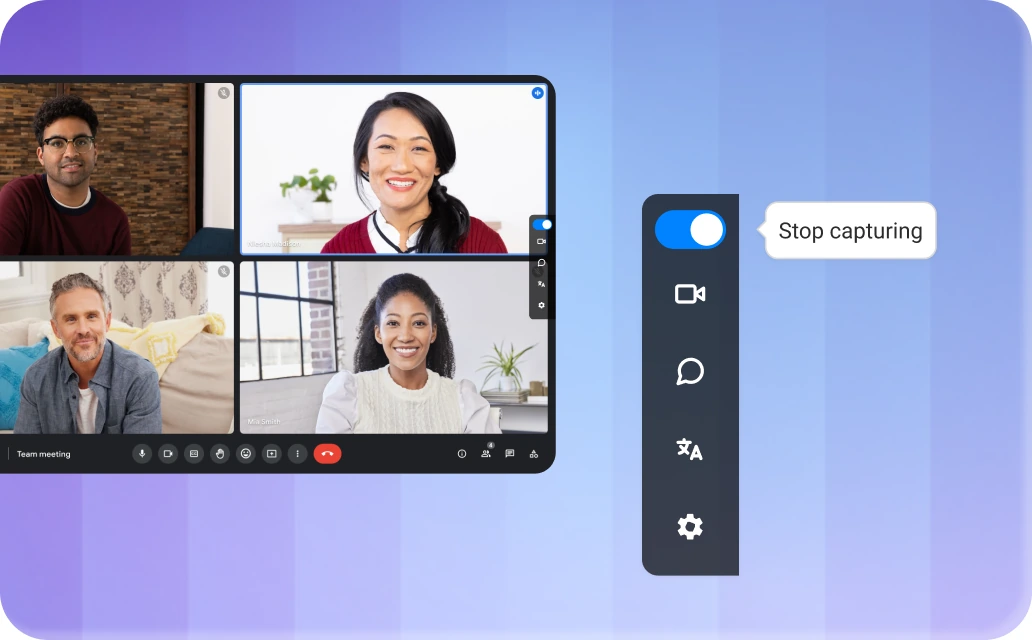
No extra participant joins your call. MeetScript records straight from your browser and can post a notice in the meeting chat, so people know you’re recording without a stranger in the attendee list.
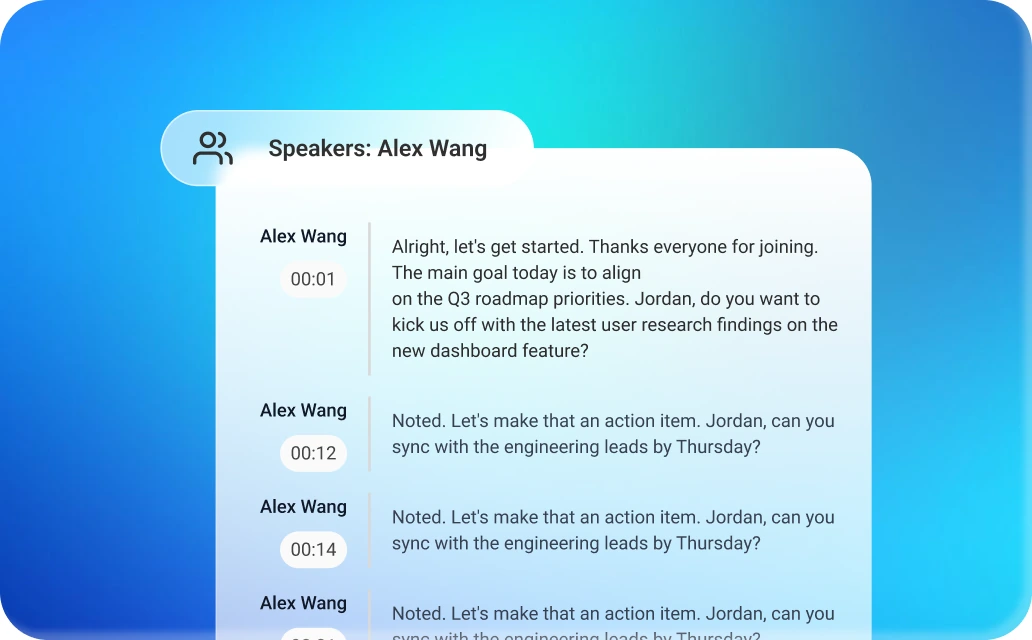
Speaker Identification
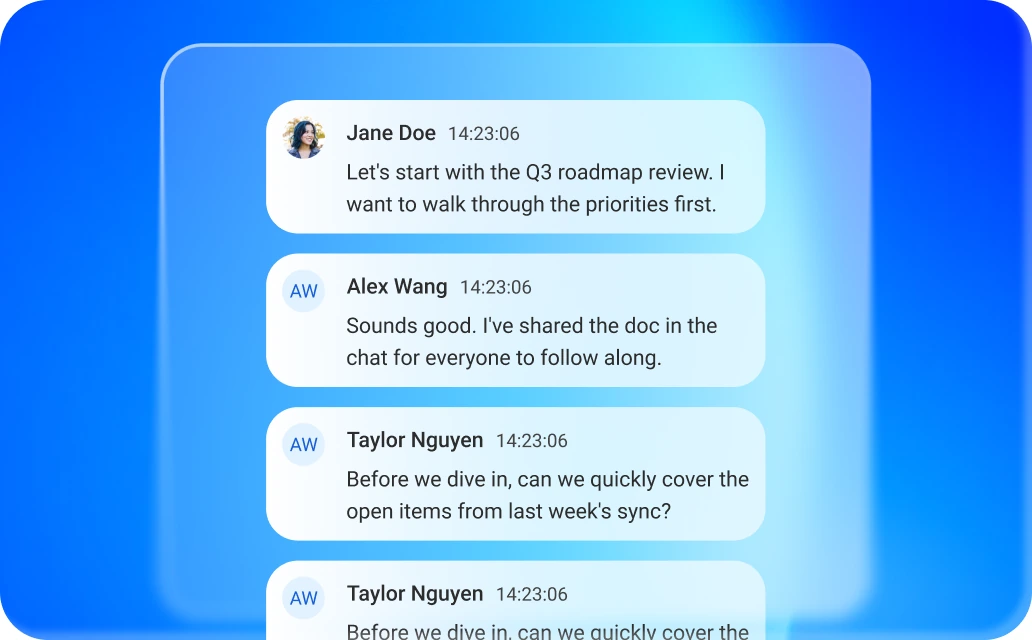
Automatically labels who’s speaking, with timestamps for every turn in the conversation.
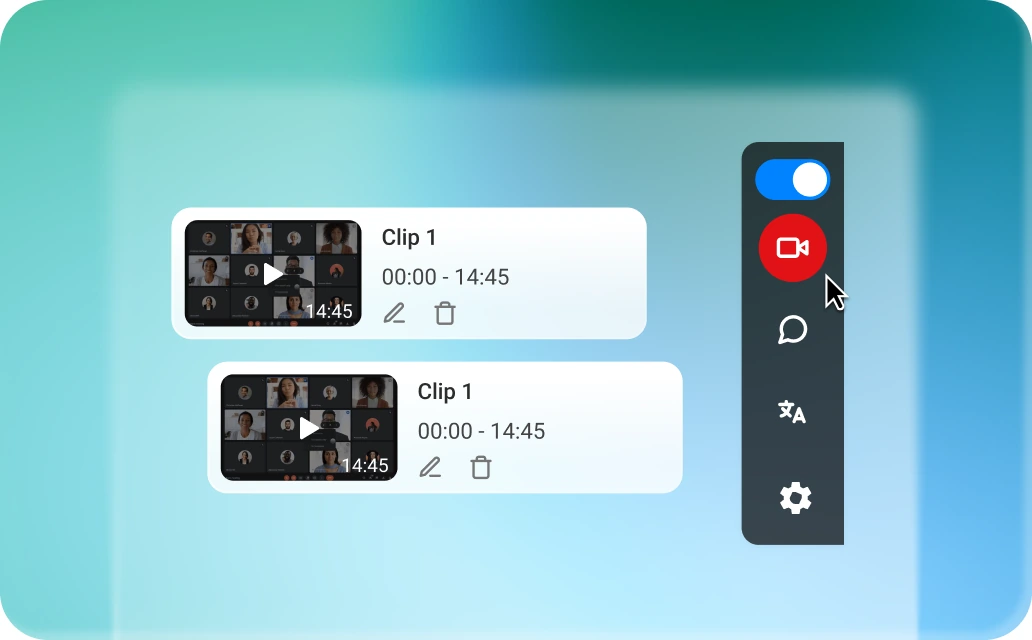
Screen recording
Record shared screens and replay every moment of your meeting. Jump to key moments, revisit important discussions, and never miss a detail.
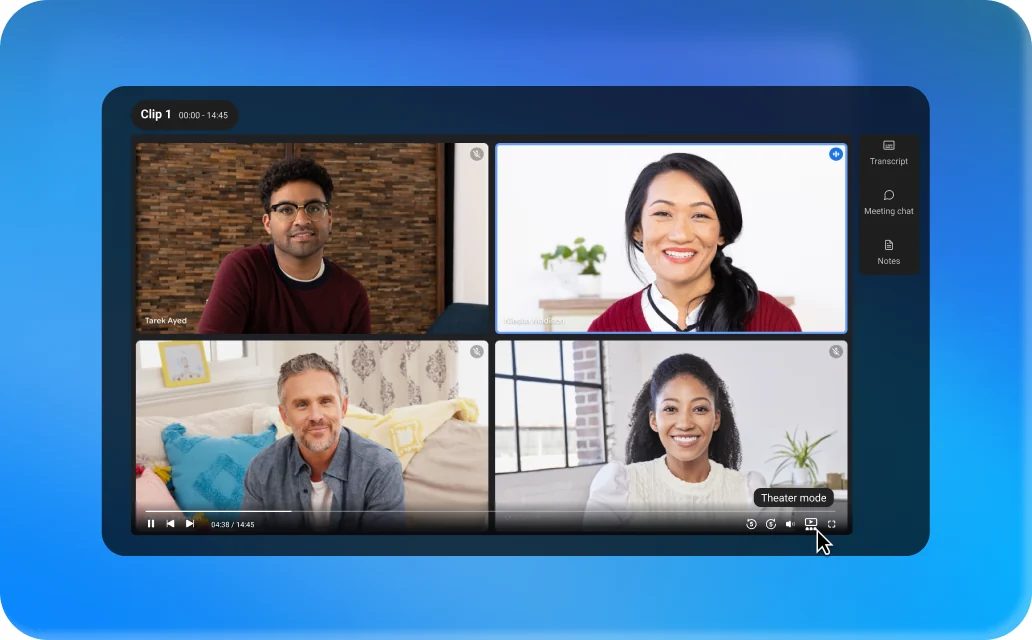
Theater mode
Expand the recording to full screen with the transcript, chat and notes still available beside it. Useful when you’re reviewing a long session rather than skimming it.
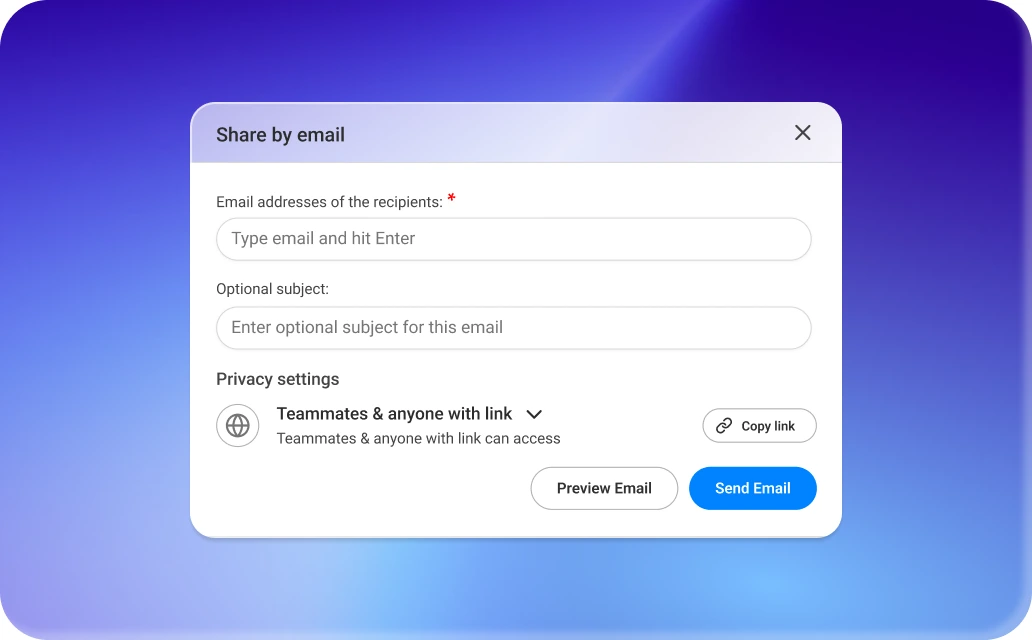
Easy Export and Sharing
Export to PDF, DOCX, TXT, MP3, MD or MP4 — or share securely with one click.
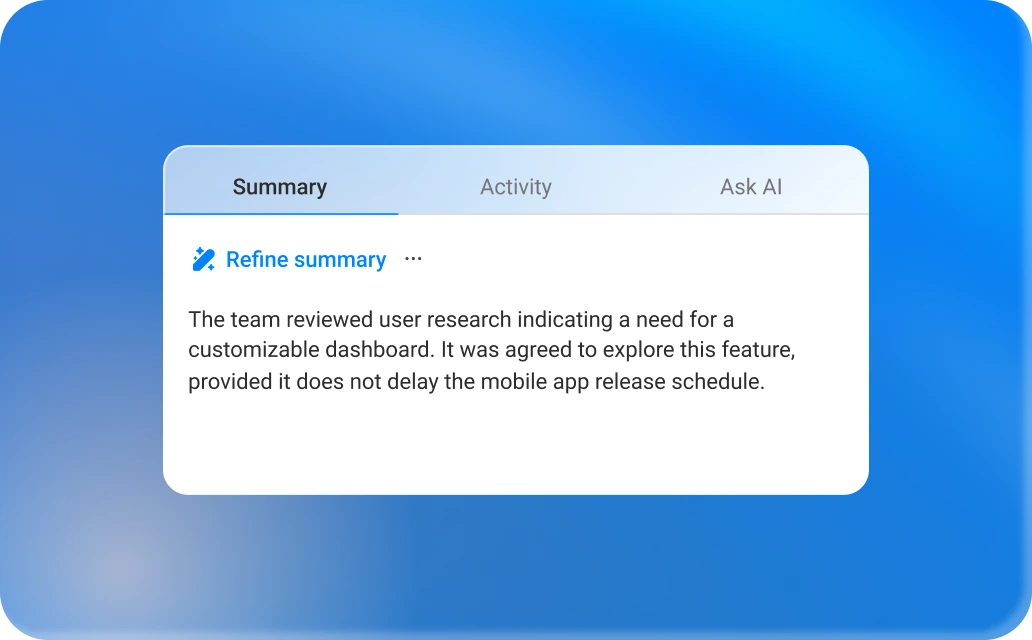
AI Summaries
Instant highlights, decisions, follow-ups and action items after every call. Choose a format, or tailor one to fit how your team works.
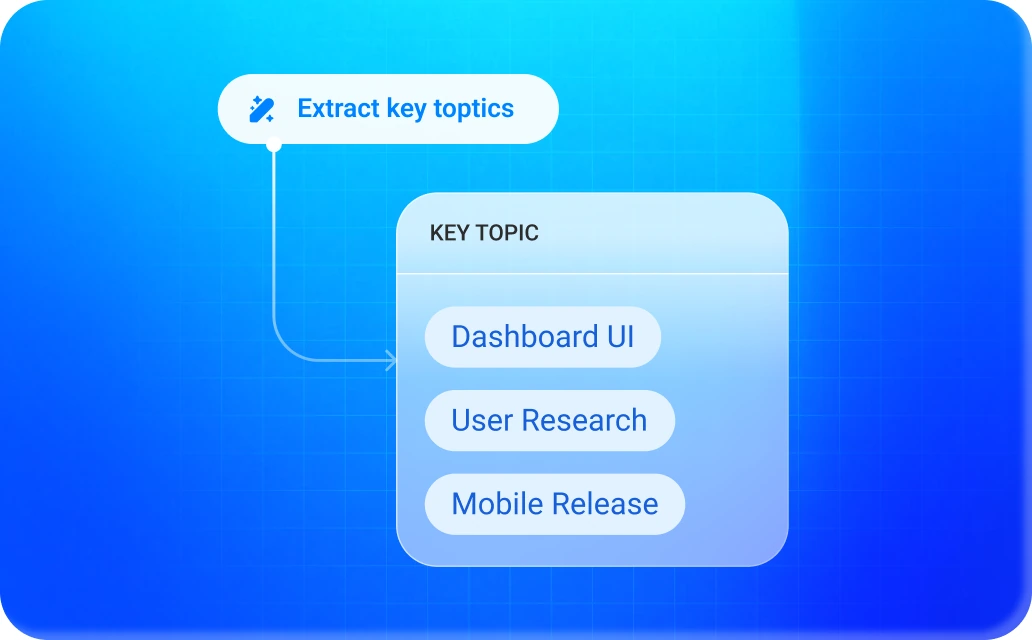
Key Topics
AI groups conversations into key themes, making it easy to understand what was discussed and navigate directly to the relevant sections.
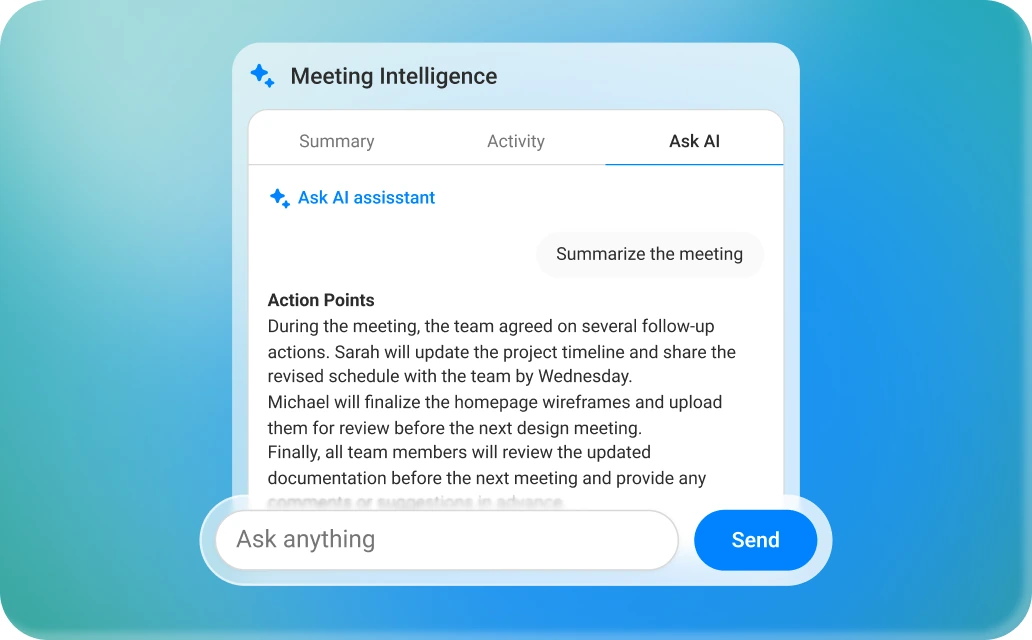
Your AI meeting assistant
Ask questions in natural language and let AI surface the exact information you’re looking for within that meeting.
Filter by speaker
Filter the transcript and conversation by participant to quickly review what each person said throughout the meeting.
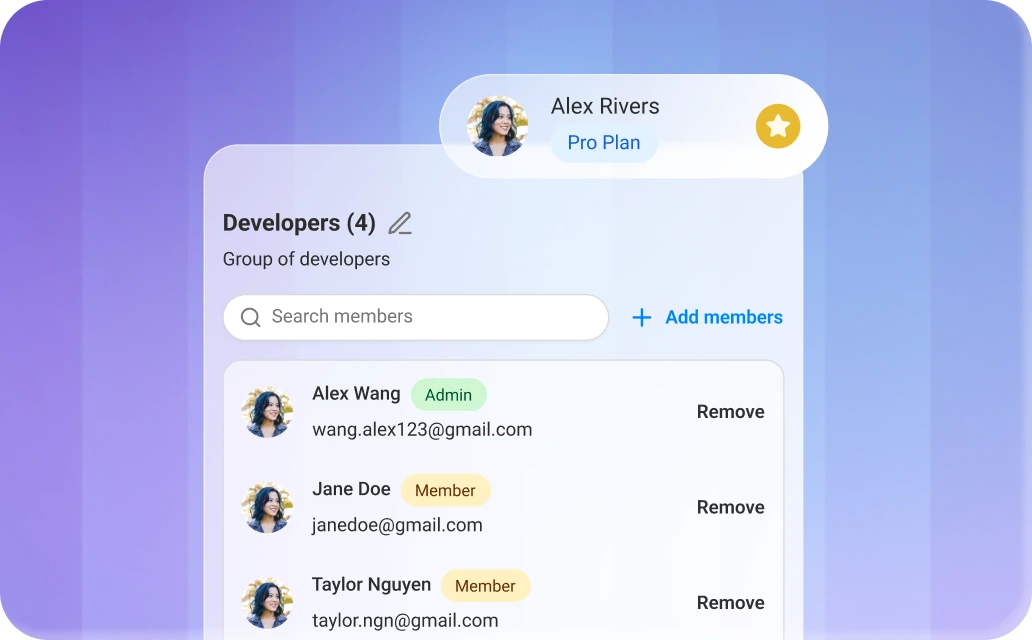
Team Features
User groups, Super Admin, activity logs & statistics
Meeting Notes & Chat
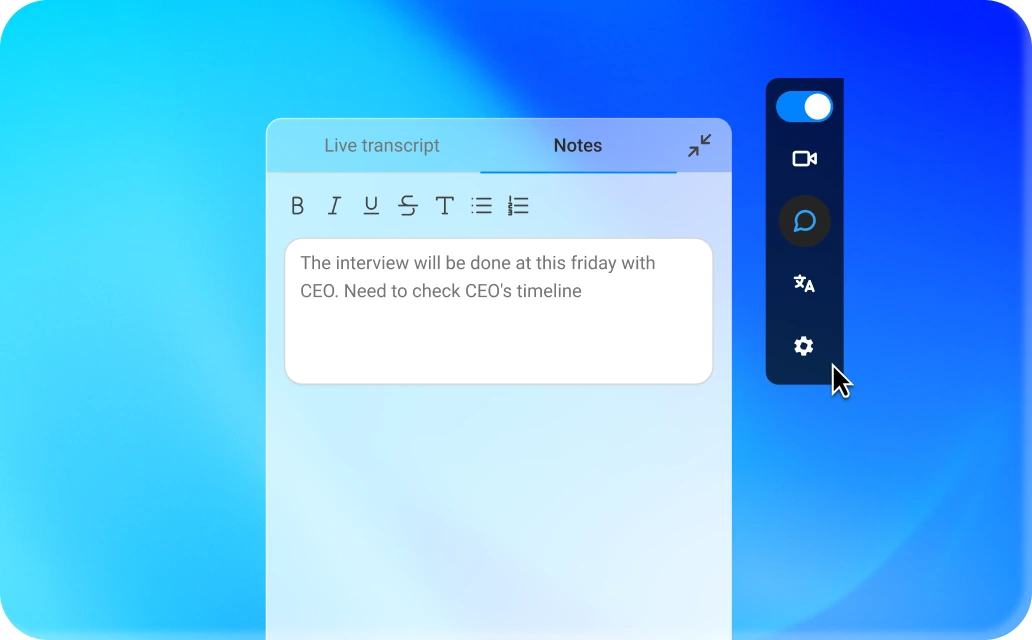
Keep every conversation in context. Take notes, share links, and collaborate without interrupting the discussion. All notes and chat history are saved alongside the meeting, so nothing gets lost.
Integrations
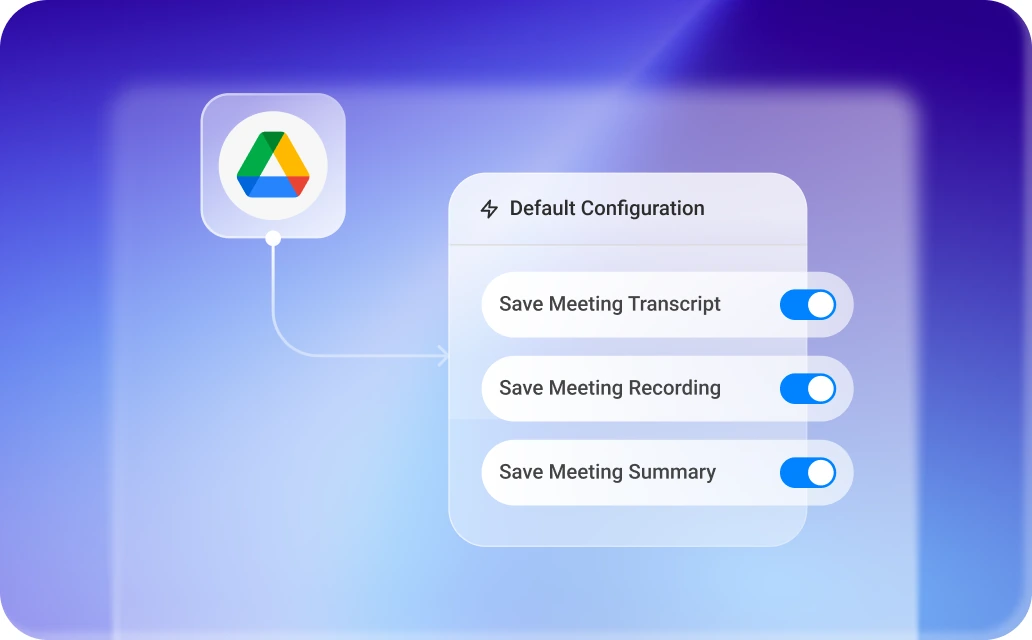
Push recordings, transcripts and summaries to Google Drive automatically after every call. Set it up once and nothing needs copying by hand again.