MeetScript

For sales teams

You’re in your prospect’s Google Meet, not your own. MeetScript records the call, writes the recap and drafts the follow-up, so the deal moves while the conversation is still fresh.

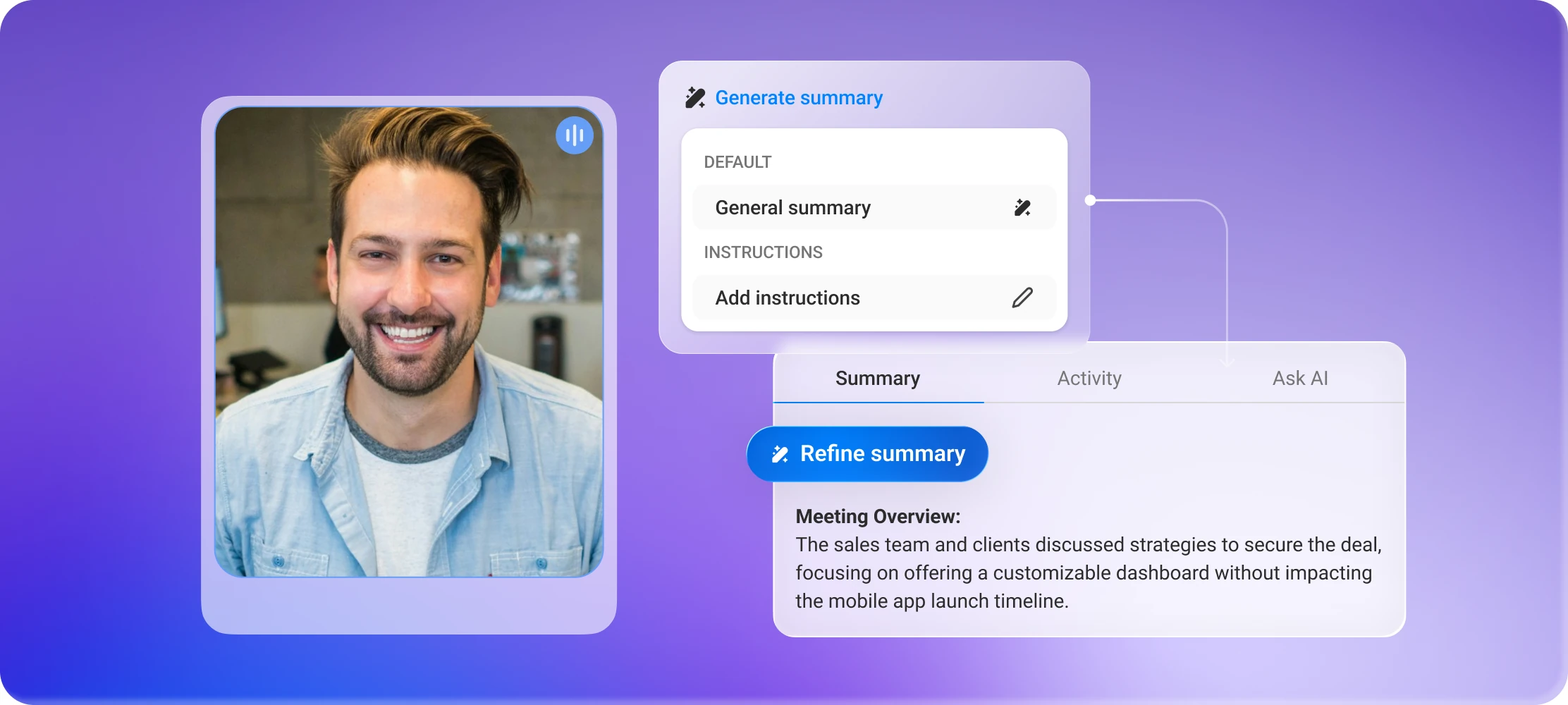
MeetScript writing an AI summary of a sales call while the prospect is on video

The problem

The problem isn't remembering.
It's writing it down.

You just finished a 45-minute discovery call. The prospect named their budget, mentioned two competitors they’re evaluating, and flagged a security requirement you’ll need to check with engineering.

You typed half of it. You’ll reconstruct the rest tonight, from memory, after three more calls.

Salesperson holding her head over a laptop after a long discovery call

What changes

BeforeWith MeetScript
Typing notes while trying to listenFull transcript with speaker labels, captured automatically
Writing the recap after hoursAI summary with requirements, objections and next steps
"I think they said around 50 seats"Click the line in the transcript, jump straight to that moment in the recording
Forwarding your notes to the SEClip the technical question and share the actual two minutes

Built for how a sales call actually goes

You're never the host

Discovery calls, demos, procurement reviews – they’re usually on the prospect’s calendar. MeetScript works the same whether you organized the call or were invited to it.

Nothing joins the call

No extra attendee appears in the participant list. MeetScript posts a notice in the meeting chat instead, so the prospect knows you’re recording without a bot sitting in the room.

Share the moment, not the meeting

Clip the 90 seconds where the prospect described their integration requirement, and send that to your solutions engineer. Nobody has to watch 45 minutes to find it.

"Will my prospect be put off by a recording?"

Most buyers are used to calls being recorded. What they react to is a bot named after a vendor they’ve never heard of, sitting in the attendee list for the whole call.

MeetScript doesn’t add anyone to the room. By default it posts a short notice in the meeting chat when recording starts, so the call stays transparent without turning into a conversation about your note-taking tool. You can turn that notice off in settings, though you’re responsible for telling participants yourself and for the consent laws where you and they are located.

Walk out of your next discovery call
with the recap already written

Free plan, no credit card required.