For engineering teams
Stand-ups, planning, reviews, incident calls. MeetScript records the screen along with the conversation, so the demo someone gave at 10am is still there when you need it at 4pm.
The problem
The explanation happened. The artefact didn't.
Someone walked through the schema on a shared screen for eight minutes. Everyone nodded. Nobody wrote it down, because watching and typing at the same time doesn’t work.
Two weeks later somebody asks why the table is structured that way, and the answer exists only in four people’s memories, each slightly different.
What it’s good for
- Stand-ups
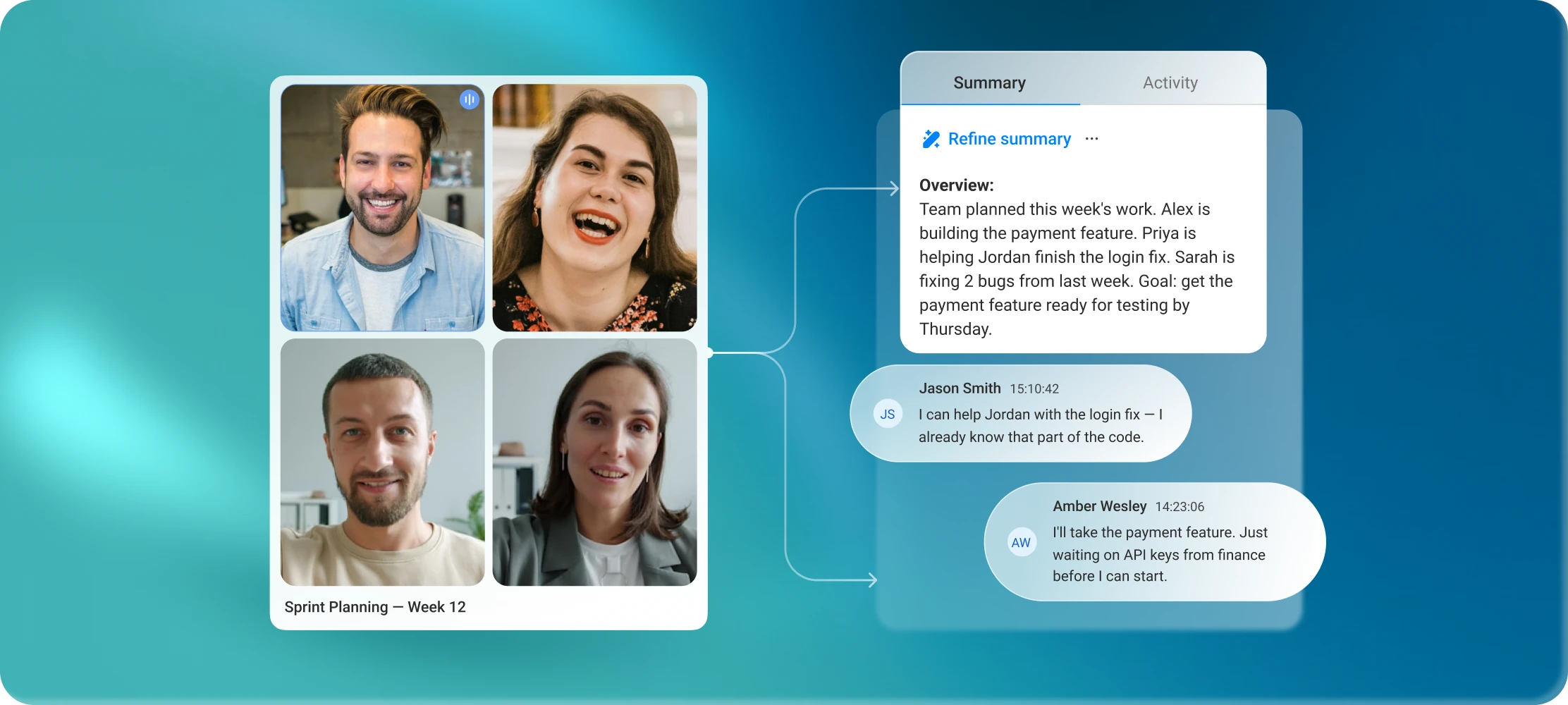
- The summary lists who's working on what and what's blocked, without someone volunteering to write it up.
- Sprint planning
- Decisions and action items captured as they're made, so the ticket descriptions match what was actually agreed.
- Code and design reviews
- Screen recording means the walkthrough is reviewable, not just the conclusion.
- Incident calls
- A timestamped record of what was tried and when, ready for the postmortem instead of reconstructed afterwards.
- Onboarding and handovers
- The session a leaving engineer gives becomes something the next person can actually watch.
Why the recording matters more here than the transcript
Screen recording on every plan
A transcript of “as you can see here” is useless. MeetScript records the shared screen alongside the audio, so the diagram, the terminal output and the dashboard are all still there.
Jump from transcript to video
Click any line and the recording moves to that moment. Finding the two minutes where someone explained the retry logic takes seconds, not a rewatch.
Share a clip, not a calendar invite
Cut the relevant five minutes out of a 50-minute session and drop it in the ticket.
"We already get notes from Google Meet"
| Google Meet notes | MeetScript |
|---|---|
| Only on Workspace plans that include it | Doesn't depend on your Workspace plan |
| Only the meeting host can switch it on | Works whether you're the host or a guest |
| Not available on calls someone else organized: vendor calls, cross-team reviews, interviews | Works on those calls too |
| Doesn't record the screen | Records the shared screen with the audio |
For a stand-up, the screen may not matter. For a walkthrough of a schema, an architecture diagram or a failing test, it's the whole point.