MeetScript

For independent professionals

Consultants, freelancers and agency owners spend their week in other people’s calls. MeetScript keeps a record of every one of them, so you’re not rebuilding what a client asked for from memory three days later.

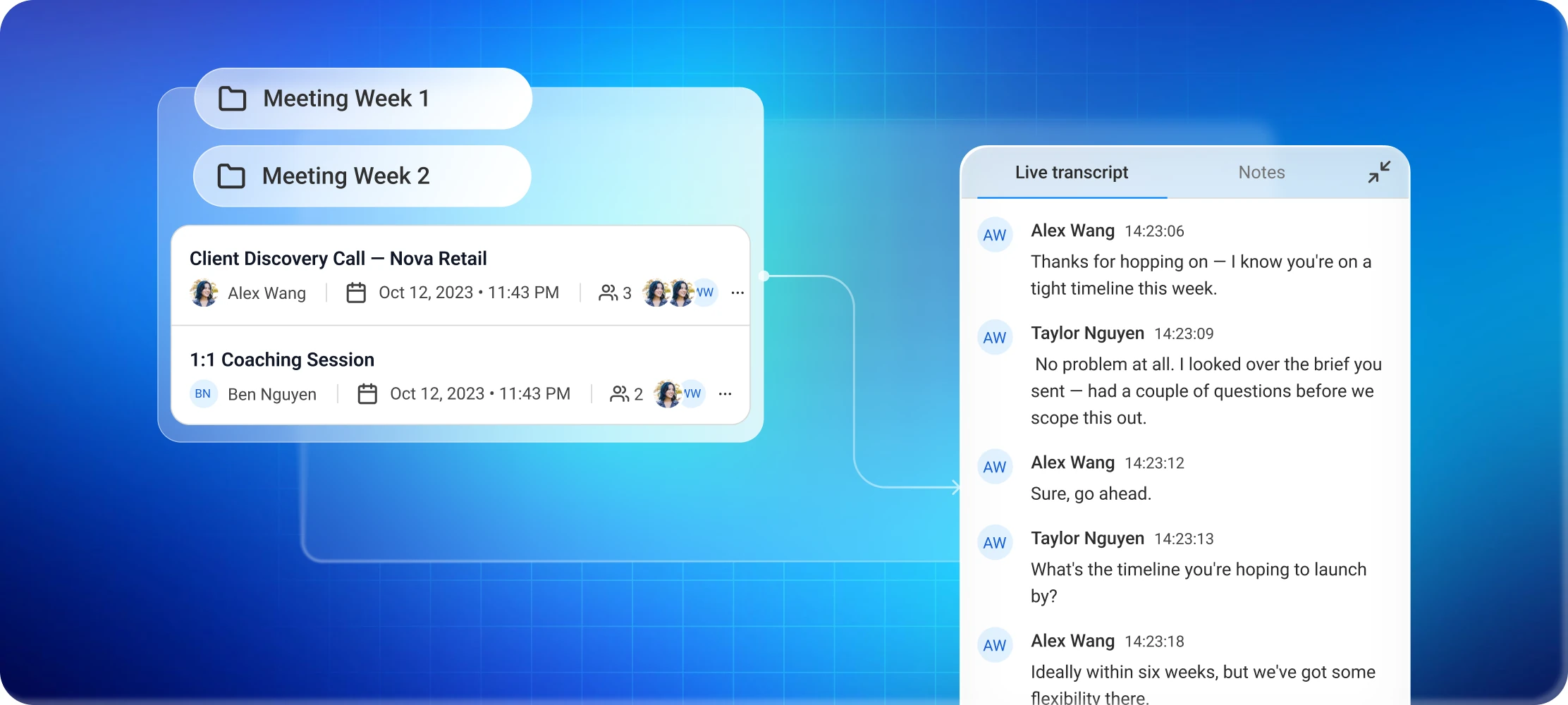
MeetScript workspace with client meetings grouped into weekly folders, next to a live transcript

The problem

Six clients, six sets of notes,
none of them complete

You had four client calls this week, across three different companies. Each one changed something: a deadline moved, a deliverable got added, someone asked for a revision you’re fairly sure wasn’t in the original scope.

Your notes are in four different places. Two of them say “follow up re: the thing.”
Freelancer at her desk with her head in her hands, overwhelmed by scattered client notes

What changes

BeforeWith MeetScript
Notes scattered across apps, calls and notebooksEvery meeting in one place, sorted into folders by client
"Did they approve that, or just say it sounded good?"Click the line in the transcript, hear it again
Writing a recap email from memoryAI summary ready the moment the call ends
Scope creep you can't proveThe recording of the call where the scope was agreed

Made for working across other people's calendars

You don't need to be the host

Client calls are almost always on the client’s calendar. MeetScript works the same either way, which is the main difference from Google Meet’s built-in note-taking — that one only the host can switch on.

A folder per client

Keep every call with a client together. When you come back to a project six months later, the whole history is there instead of in an archived inbox.

Share a recap, not a transcript

Send the client a link to the summary after the call. They don’t need a MeetScript account to open it.

"I work with sensitive client information"

Fair. Three things worth knowing.

  1. Your meetings are private by default, and you choose who can see each one. You can share a single meeting with a link and revoke that access at any time.
  2. MeetScript doesn't add a participant to the call. By default it posts a notice in the meeting chat when recording starts, so your client knows. You can turn that off, but you're then responsible for telling them yourself.
  3. If a client asks you not to record, don't, and check the consent rules that apply where you and they are located. Some places require everyone on the call to agree.

Stop rebuilding client conversations from memory

Free plan, no credit card required.